Loader are the impressing part of the website , which needs to be simple and fun , So we will build an elegant loader .
This loader is inspired from here.
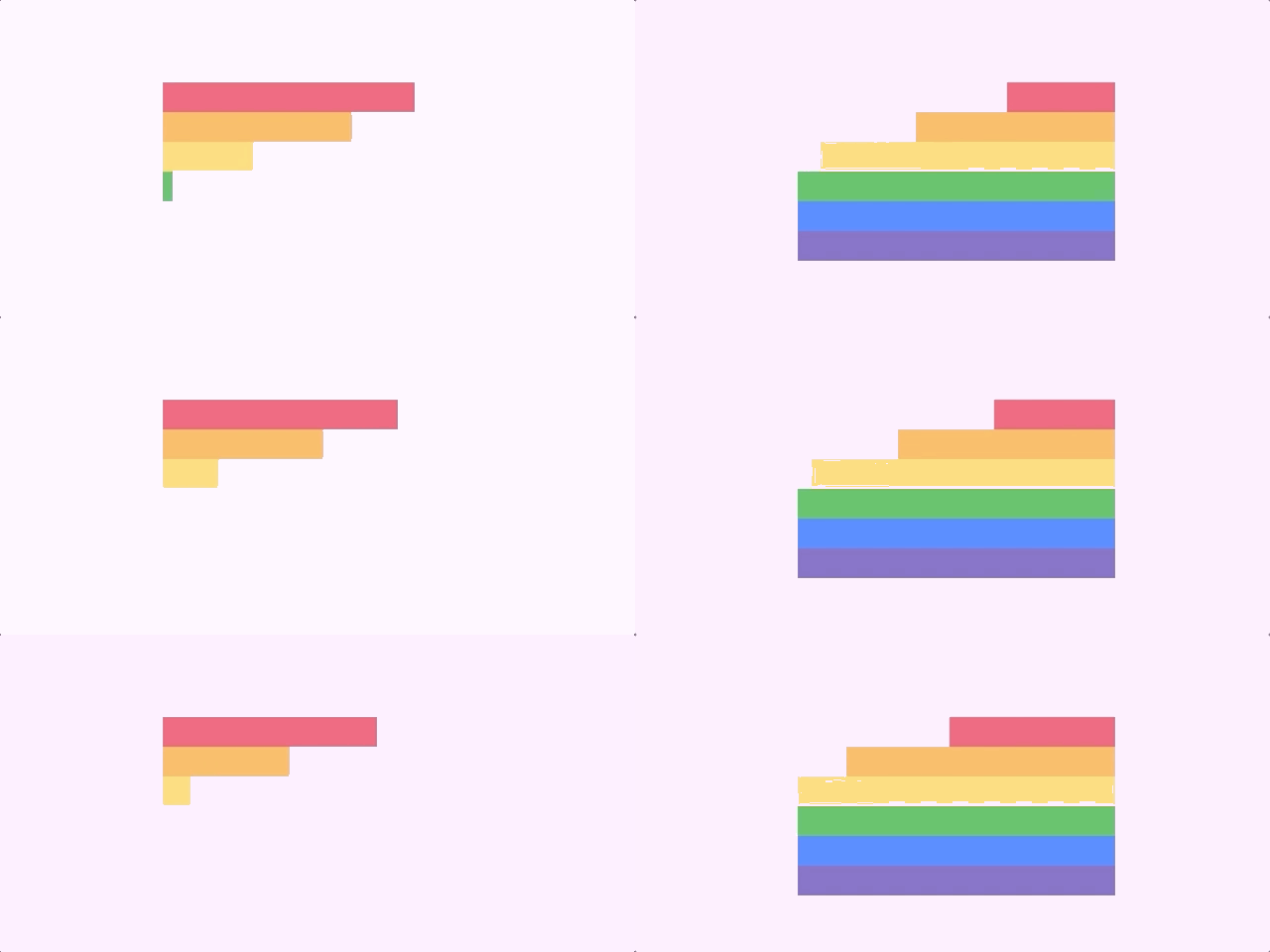
Create a container which is going to hold the loader
<html>
<body>
<div class="container">
</div>
</body>
</html>
Set the width and height of the body to 100% , also change the display as flex so that we can easily centre the container with respect to screen.
html, body {
width: 100%;
height: 100%;
display: flex;
//to centre container, set justify-content and align-items - centre.
justify-content: center;
align-items: center;
background: #FCEAFC;
}
Add height and width to the contianer
.container {

  width : 320px;
height : 180px; // we have six colours each 30px;
}
Now we need to create div for each color ,and place it inside the container.
<div class="color">
<div class="red"></div>
</div>
<div class="color">
<div class="orange"></div>
</div>
<div class="color">
<div class="yellow"></div>
</div>
<div class="color">
<div class="green"></div>
</div>
<div class="color">
<div class="blue"></div>
</div>
<div class="color">
    <div class="purple"></div>
</div>
set the height to the loader
.container .color {
height: 30px;
}
.container .color div {
height: 30px;
width: 100%;
}
No we need to add background to each color ,
red {
   background: #f25774;
}
 .orange {
  background: #ffb65b;
}
.yellow {
  background: #fdda74;
}
.green {
  background: #4cbe5d;
}
.blue {
  background: #4080ff;
}
.purple {
  background: #7b64c0;
}
Now the loader looks like

For animating the color we need to initially set the width to 0 and then when we change the width to 100% this will create an expanding effect.
.container .color div {
width: 0;
animation-name: slide;
animation-duration: 2.5s;
animation-iteration-count: infinite;
}
@keyframes slide {
 10% {
width: 0;
}
37% {
width: 100%;
}
63% {
width: 100%;
}
90% {
width: 0;
}
}
Assign the animation to the color div , add 1s delay to each div so that the animation appear one after another
.color
.red {
   animation-delay: 0.1s;
}
 .orange {
   animation-delay: 0.2s;
}
 .yellow {
    animation-delay: 0.3s;
}
 .green {
    animation-delay: 0.4s;
}
.blue {
    animation-delay: 0.5s;
}
 .purple {
    animation-delay: 0.6s;
}

In order to change the above into end in the right side we can add float property to the div color div
@keyframes slide {
10% {
width: 0;
float: left;
}
37% {
width: 100%;
float: left;
}
63% {
width: 100%;
float: right;
}
90% {
width: 0;
float: right;
}
}
Now we get the expected loader.
 Js Jeep 🚙