Learn how to use upcoming JavaScript feature Optional chaining
?. → Optional Chaining operator
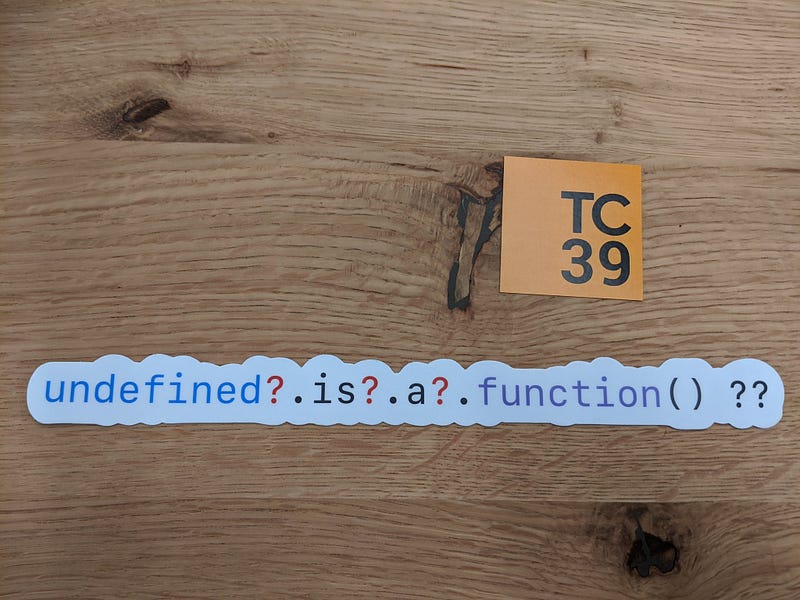
Optional Chaining
Optional chaining will eliminate the need for manually checking if a property is available in an object . With optional chaining the checking will be done internally .
Example without Optional chaining.
function sayHi(user) {
let name = user.name.toUpperCase();
console.log(`Hi Mr. ${name}`);
}
Consider the above function , that will print the hi message with user name
var user1 = { name : "John"};
sayHi(user1); // Hi Mr.JOHN.
When we pass an user object which doesn’t have the name property
sayHi({});
// TypeError: Cannot read property 'toUpperCase' of undefined.
sayHi();
// TypeError: Cannot read property 'name' of undefined.
To solve the above problem what we do is , we will add check if name property available in the user object
https://gist.github.com/Jagathishrex/ca388ac045f39c6617ce8fe9ec22a43b#file-optionalchaining-js
Using Optional Chaining
The optional chaining will check if an object left to the operator is valid (not null and undefined). If the property is valid then it executes the right side part of the operator otherwise return undefined
Basic Example
function sayHi(user) {
   let name = ( user?.name?.toUpperCase() ) || "unKnown";
   console.log(`Hi Mr. ${name}`);
}
The native JavaScript equivalent code for above optional chaining operator is
(property == undefined || property == null) ? undefined : property
Using variables as property name
We can use variables as property name in optional chaining
var user = {name : "John", age : 20};
var Age = "age";
user?.[Age];
// We can also use with expressions
user?.["a"+"ge"]
Function call with optional chaining
You can use optional chaining to call a method which may not exist.
var user = {
    name : "John",
    getName() {
      return this.name;
    }
}
user?.getName?.();
Referemce : MDN.
Follow Javascript Jeep🚙💨.
 Js Jeep 🚙